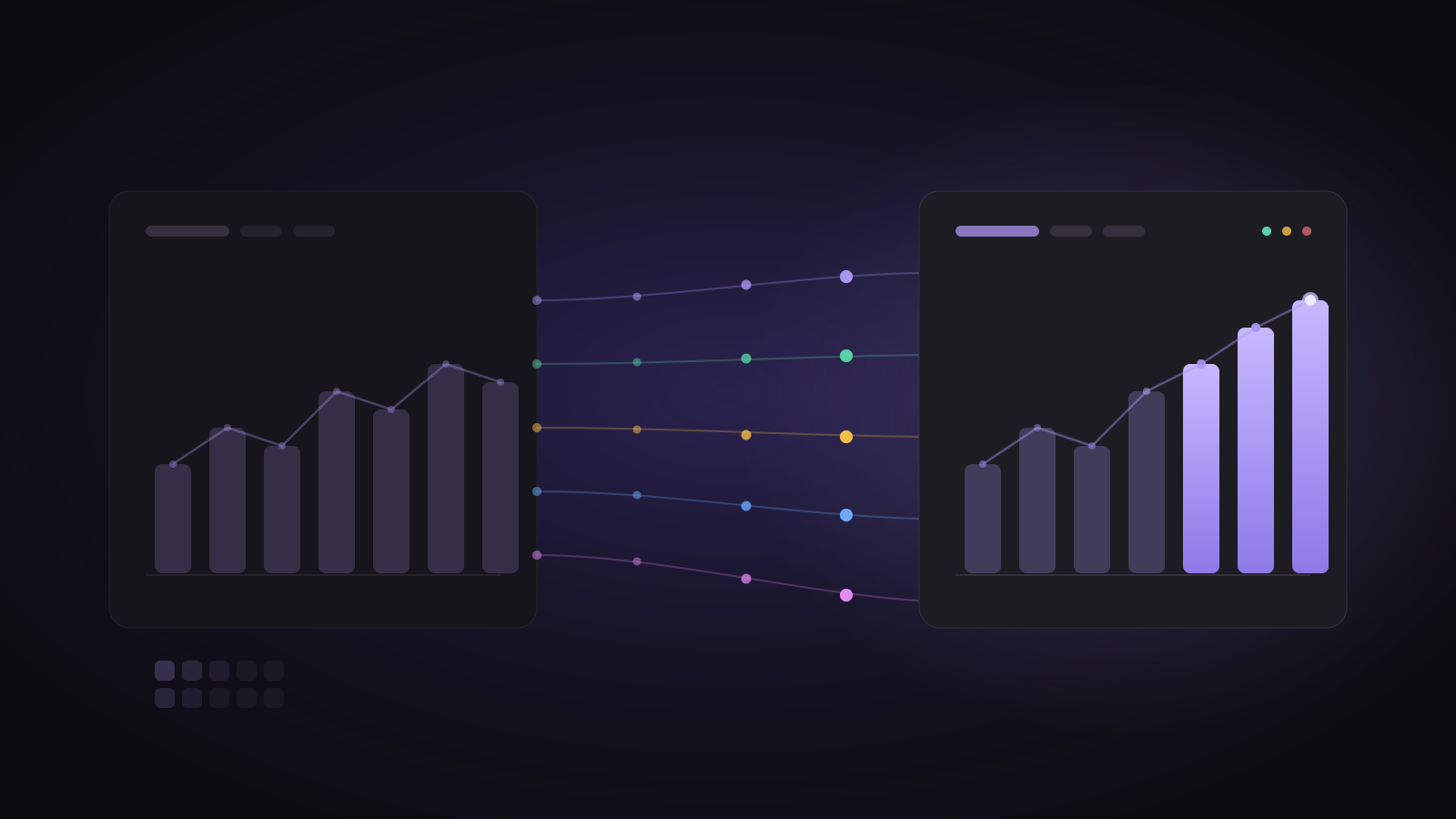
Switching analytics tools sounds risky: months of tracking, dashboards the team relies on, and history you don't want to lose. Done in the right order, it's a few hours of work and no lost data. Here's how to move from Mixpanel to Spectra.
1. Write down what you actually use
Before touching code, list:
- The events your reports depend on (for example Signed up, Onboarding completed, Payment succeeded).
- The properties you filter and break down by (plan, source, city).
- The reports and boards your team opens every week.
This list is your checklist for the switch. Anything not on it can wait.
2. Create a Spectra project
Sign up, and copy your project token from Project settings. The token only allows adding events, so it's safe to use in website code.
3. Send events to Spectra
You have two options.
Option A: keep your Mixpanel code
Spectra accepts events in Mixpanel's format, including track, profile updates and the Mixpanel SDKs' requests. You can point your existing Mixpanel SDK at Spectra with your Spectra token and keep your tracking code as it is:
mixpanel.init("YOUR_SPECTRA_TOKEN", { api_host: "https://ingest.spectra.prismaple.com" });This is the fastest way to switch, and your event names, properties and user IDs stay the same.
Option B: use the Spectra SDK
For new projects, or if you want Spectra's batching, retries and automatic identity linking:
npm install spectra-analyticsimport { spectra } from "spectra-analytics";
spectra.init("YOUR_PROJECT_TOKEN");
spectra.identify(user.id, { $email: user.email, $name: user.name });
spectra.track("Signed up", { plan: "pro" });Keep your event names and user IDs exactly as they were in Mixpanel, so reports line up with your history.
4. Run both for two weeks
Don't switch off Mixpanel on day one. Send events to both tools, then compare a few key numbers each week:
- Daily signups
- Weekly active users
- Your main funnel's conversion
Small differences are normal (tools count unique users and sessions slightly differently). Big differences usually mean an event is missing; Spectra's Live events page shows everything as it arrives, which makes gaps easy to spot.
5. Bring your history
If you want past events in Spectra, export them from Mixpanel and send them to Spectra's import endpoint, which accepts Mixpanel's event format and uses your project secret (in Project settings, for admins). Imported events keep their original time, so your trends go back as far as your export.
Many teams skip this step: they keep Mixpanel read-only for a few months for historical questions and start fresh in Spectra.
6. Rebuild your key boards
Using the list from step 1, rebuild the reports your team actually uses as Spectra boards. Most teams need three to five. Ask Spectra can help: "Make a board with daily signups, the signup-to-paid funnel and weekly retention."
7. Switch off Mixpanel
Once the numbers match and the team is using the new boards, remove the Mixpanel SDK (or keep its code pointed at Spectra, as in option A) and cancel your Mixpanel plan.
Common questions
Will user profiles carry over? Profile updates in Mixpanel's format ($set, $set_once, $add, $union and others) are accepted, so profiles fill in as users come back. Imported history links to the same user IDs.
What about anonymous users who later log in? Spectra links a device's earlier anonymous events to the user when they log in, so funnels count one person.
How long does it take? For most teams: an hour to send events, two weeks of side-by-side checking, and an afternoon to rebuild boards.
Ready? Start free with 5,000 events a month, or read Spectra vs Mixpanel first.